
Having recently added an inverse kinematics (IK) engine to my ProxyMan character animation tool, I decided to go ahead and add in a forward kinematics (FK) layer as well.
FK is the opposite to IK. So, instead of moving the hand and the arm bends to reach, you rotate the shoulder and the arm (and everything down of that) follows. By default, pretty much all parent-child hierarchies in a 3D program utilise an FK setup of sorts. If you move the parent, the children follow. There's no real special thing going on here. So, there are ways to achieve this without my motion system.
However, I preferred to add it in as an additional clip controller type, so that I could have an additional layer of control over the animation state and how the FK is applied to the character. Such as, how much the FK blends in with the current state. Something you can't really do natively. Having it work in my motion system means that it takes the standard way that naturally comes with any 3D program, and adds an additional layer of functionality to further control it, such as blending.
I can even split the positional and rotational controls up to blend them in separately. Or, turn off positional controls, and just use rotational ones.
It was surprising how much I had to fiddle with things to get it to work. The interface needed new things for the motion system editor. And I had to add in some new execution functions into ProxyMan itself. I did have the idea of this some time ago, and as such there were some structures I had already made to prepare for this addition. It was just a matter of 'fill-the-gaps' for those ones. But the rest was a bit more than I had anticipated. And, well, you just have to just spend the time and write the code.
Here's how a simple example of the FK engine works. use the comparison image below to see how moving a null object up and down can affect the hips:
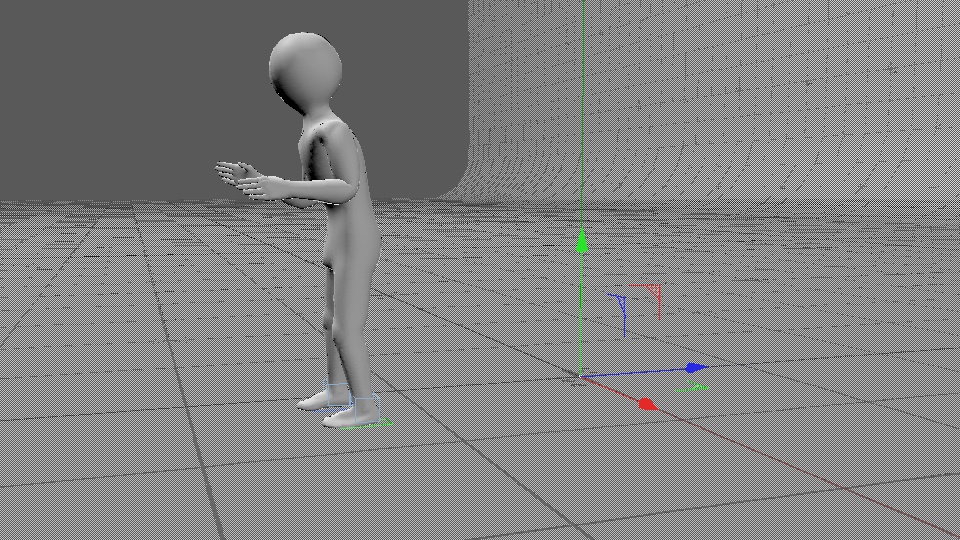
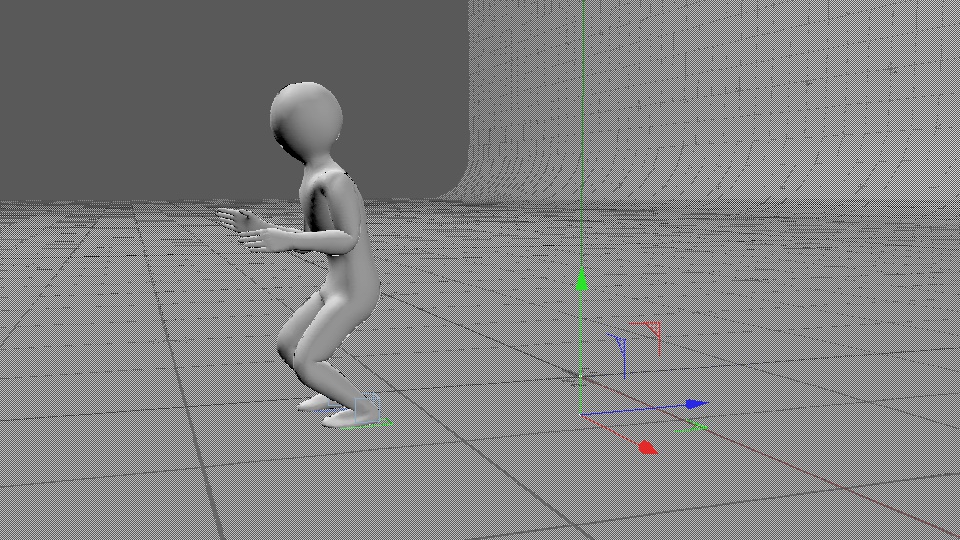
You can see by moving the image slider above side-to-side that the hips of the character are controlled with the null object. This also works for rotation, and is controlled by a user selected globalised or localised type-state. if you look closely at the characters right-foot, you will see it is also adjusted between the two images. This is actually an example of why I wanted to build the FK solver. Because the hips are pulling the leg up off the ground, so the foot is not meeting it's target-grounded position. And what's a way we can fix that? By adjusting the height of the hips! Which is exactly what you are seeing happen here. Neat.
The addition of a custom FK solver means I can now make further adjustments to the character animation state. For instance, if I use a motion capture where the actor looks down at his hands and I don't like the way it's applied to the 3D character, I can now change the head by rotating it to make it look like it is positioned better. This might happen for example, when the proportions between an actor and a 3D character are different. I can also control what space the FK engine uses. This means I can switch between global and local coordinate systems, or a mix of the two. And like all other clips in my system, it can use blend controls to work it all in. So, the custom FK solution definitely has its uses.
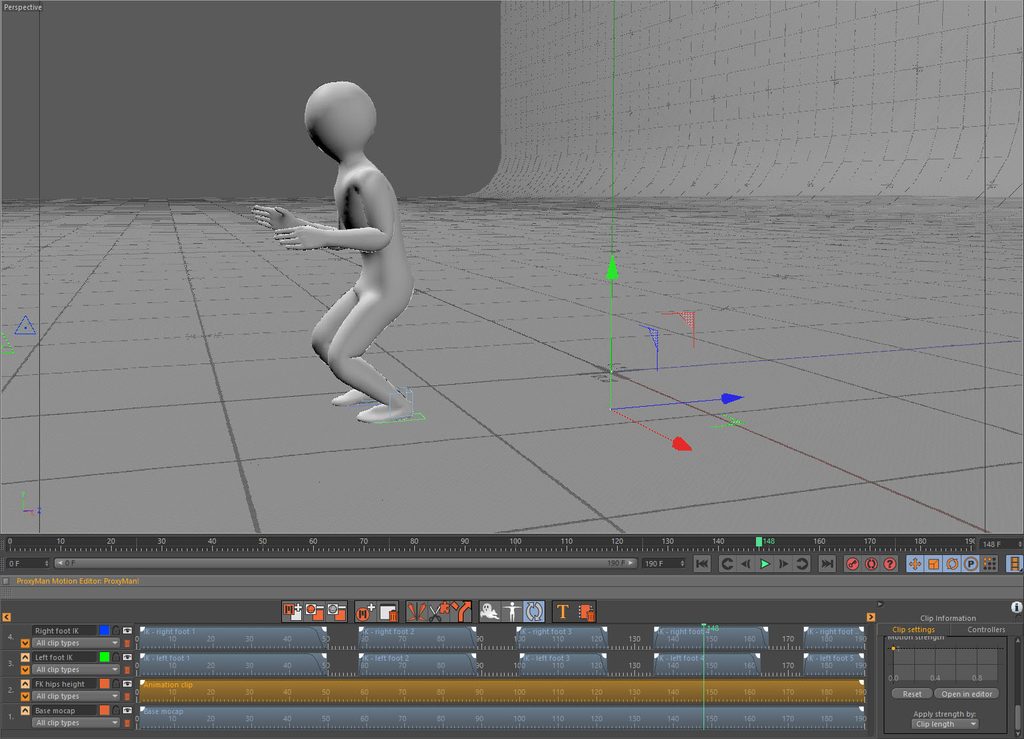
While I was there, I also added and updated some functionality around the motion system timeline. I can now move layers around using some buttons. I wasn't able to implement a drag and drop feature, mostly because the underlying SDK just made it too difficult to implement. But the button-style system works fine. I found it necessary because I had a saved edited animation scene, and I wanted to add to it by using the new FK system to adjust the height of the hips to help fix feet-to-ground contacts. But the only way to add the FK in-between the motion capture and the IK feet fixes, as to individually drag the clips to a new layer. So I thought 'bugger that', and added some buttons to move them all for me.
I also added the ability for some of the editor's interface elements to accept drag and drop routines. This gives the user the ability to drag scene objects using their mouse, and drop them onto the link fields. This one's helpful for user workflow.
Here's a screen shot of the updated motion editor, with a new timeline layer that was moved down underneath all the IK feet layers. The resulting animation state can be seen in the viewport:
All-in-all, another set of pretty helpful functionality.