
I've been entertaining the idea recently of how I might go about getting my animation data into another program, or to someone else. In essence, this means finding a way to export the animation data so that it can be used elsewhere.
There's generally three ways in which this can happen. One of them is C3D format, which is basically just the markers in space. I don't think I need to worry about this method at this stage. The other two ways are by BVH and FBX formats, both well known and established. If you are interested in seeing a list of possible motion capture formats, you can visit the Wikipedia page entry here.
My ProxyMan tool allows me to edit motion capture and apply the mocap data onto an animated character. But there's no real way of exporting the animation back out to somewhere else. Not cleanly, anyway. My animation package doesn't export BVH natively. And the FBX format it does have is an old version, so it doesn't work for newer systems now.
So, I set about trying to make myself a BVH exporter that would take a character animated with ProxyMan, and export the system timeline into the BVH format. The BVH format is fairly universal one, so it's a good place to start.
It seems the BVH format is a 7-bit plain ASCII text file. If you'd like to have a look at the file convention, here's a link that outlays the format. I managed to get the file to write into the right character format correctly. Next was to add the skeleton data, and the starting pose data for frame 0. Frame zero is often used as the pose frame, and a reference to where everything else that follows rotates from.
Once you've made the pose frame, the last step is to iterate through all the available frame range in your animation, and print the joint data for all the positions and rotations into the text file. Positional data is usually only relevant for the hips, everything else is rotations as the starting hierarchy includes the position offset information.
To help achieve all this, I made a little user dialog to let the user set the export options. It looks like this:
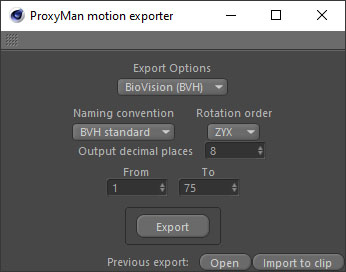
There's a few natty options there. the user can select the export type, which currently only allows BVH. They can select a naming convention and rotation order, as well as the decimal data depth and a custom frame range. Once an export has been made, the user can also open the file to check the result, or, bring it back in to the ProxyMan as a new library clip. Handy!
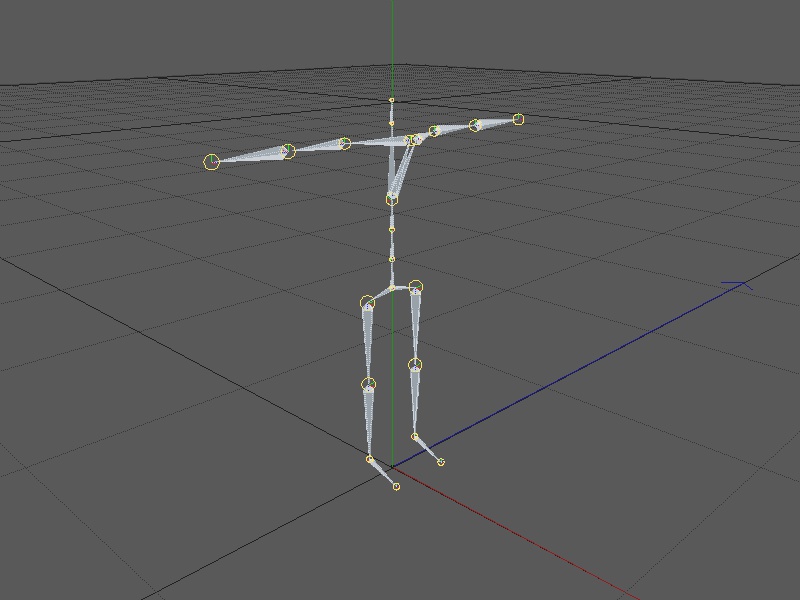
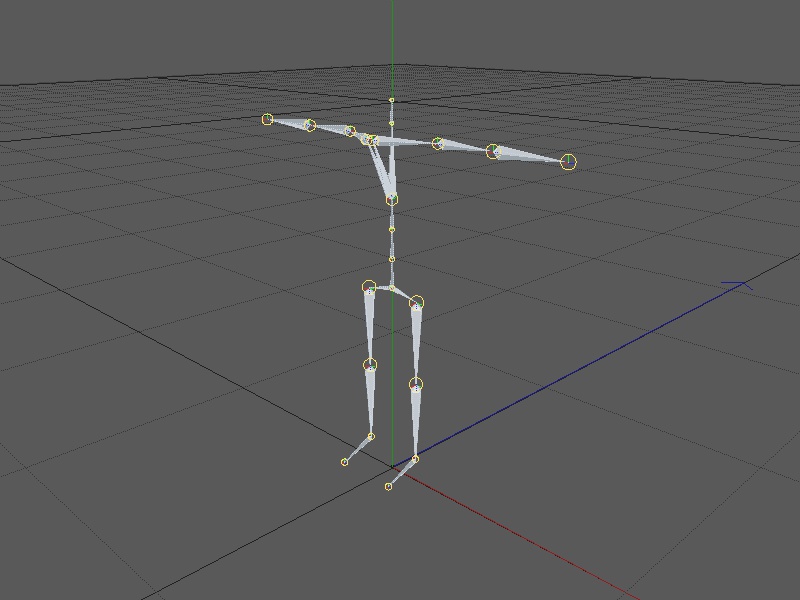
I had some issues trying to sort out the export position and rotation data. The BVH format is generally in a right-hand orientation. So I had to do some work on the data to orient things a bit differently before writing it to the text file. The positional data I sorted out fairly easily. The rotational data was a real head-scratcher. I fumbled around for some time before getting something close. More on this in a moment.
Here's some of the issues I faced, visualised:
And here's how some of the motion rotations turned out:
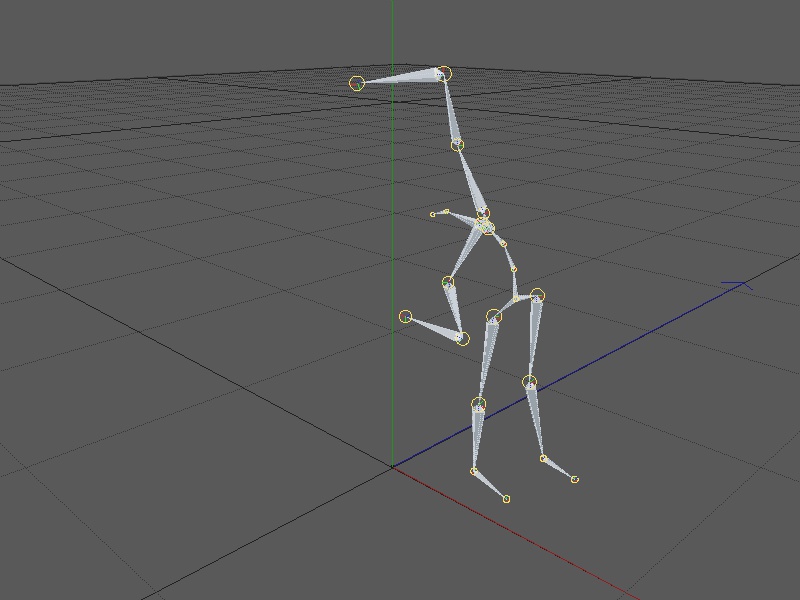
Working your way through these things is always a bit of trial and error. Sometimes what you read on forums doesn't always apply to you in the same way. For instance, some game engines and 3D software use a right-handed system. Others use a left. This matters, because how you transfer data between them all is not a one-stop solution.
That said, with a bit of wrangling, I've so far managed to get to here:
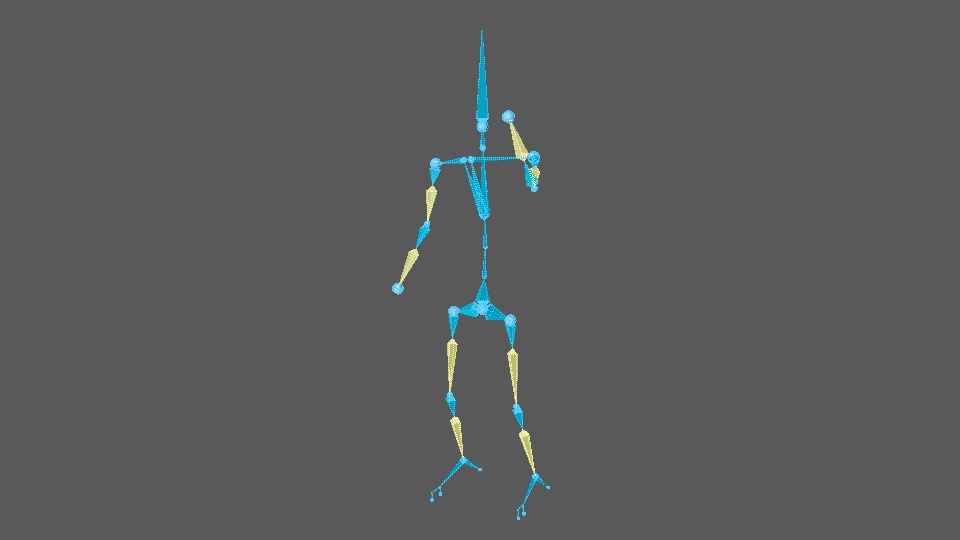
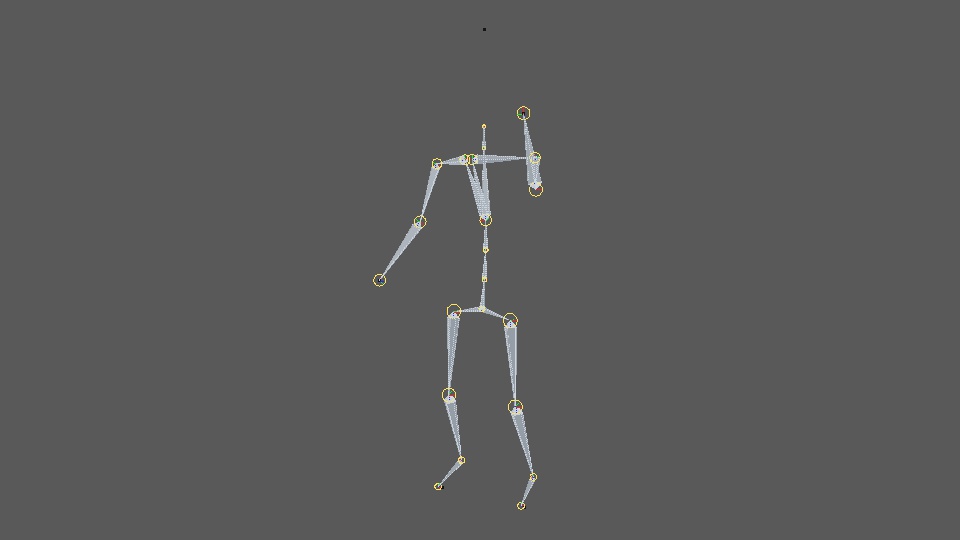
And here's the two overlaid in the same viewport:
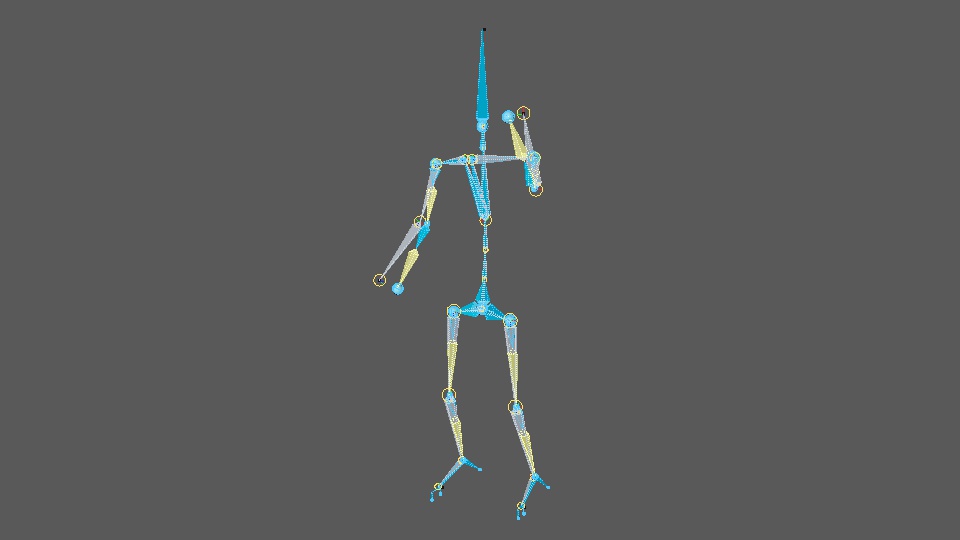
You can see by the images above that the BVH export is pretty close, but it's not quite right. The positional data is fine, but the rotational states just don't quite make the right orientation in some places. I need to figure out why.