
This post is a bit long, but it's one that has me all excited. Hear me out, doom scroller...!
I've been trying to implement a basic inverse kinematic system into my ProxyMan tool, and have been able to build a simple IK system. So far, it seems to work pretty well in the Experimental Object. The Experimental Object is where I do some of my code testing. It's just quicker sometimes to test code in smaller environments first.
In the experimental object, it seemed to work well. However, when porting it over to the ProxyMan tool, I could see it had some issues. The first was that the starting rotations, when the IK system was in a 'default' state, were not correct. Here's an image comparison slider to show an example:
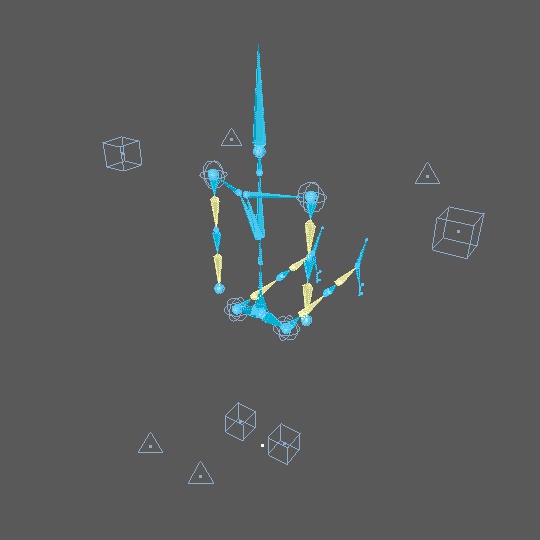
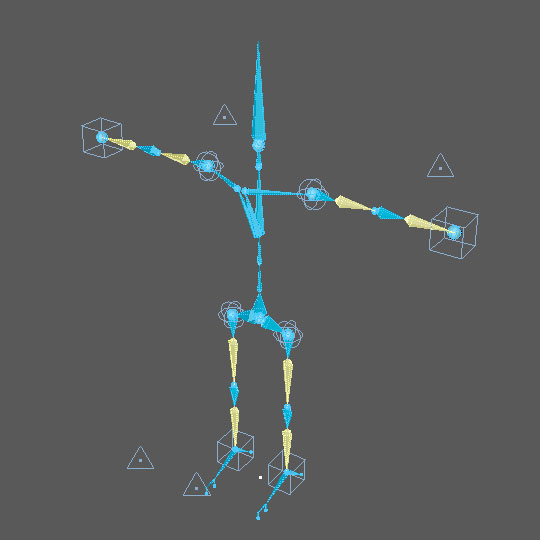
If you use the slider on the images above, you will see that the starting arm and leg poses were bent 90-degrees off from where they should be. In short, my initial engine relied on the chain objects to be in a certain rotational state at the beginning. This worked in the test object, but not in ProxyMan. To fix this, I updated the code so that the starting rotational values can be anything you want. I think this is a much better way. The user now doesn't have to worry about aligning the root with the goal, or something silly like that to start with. Box ticked.
The second issue I wanted to overcome, was how I could control the end object in the IK chain. And by this, I mean how can I offset the controller, and how can I control the rotational state? I'll spoil this one early by showing what I mean here instead. Another comparison with two images, showing the difference:
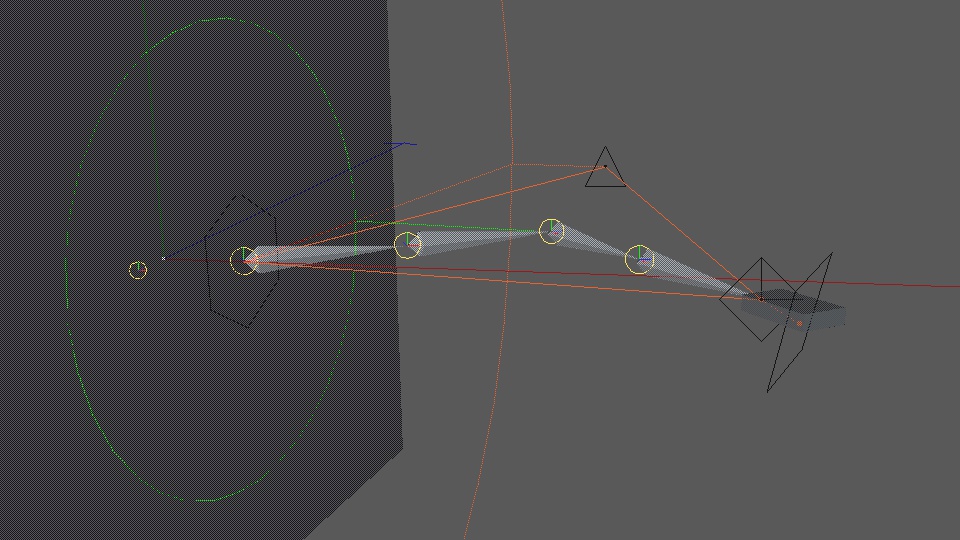

Slide the comparison across the box on the right-hand side. Think of this as an arm rig with a box as the hand. One image has no rotational control (the box looks pointed down slightly), and the other shows the 'hand' like it's flat on the floor instead. Here's another example:
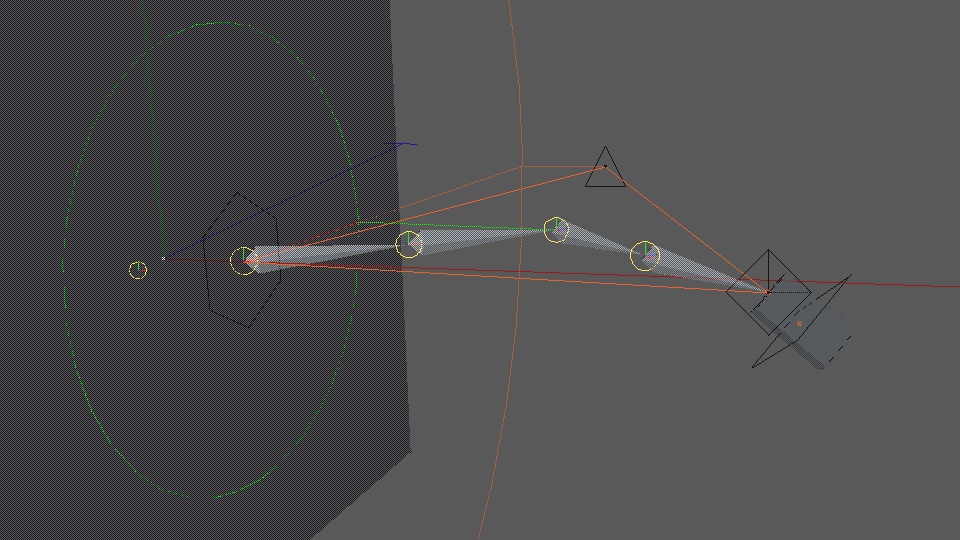
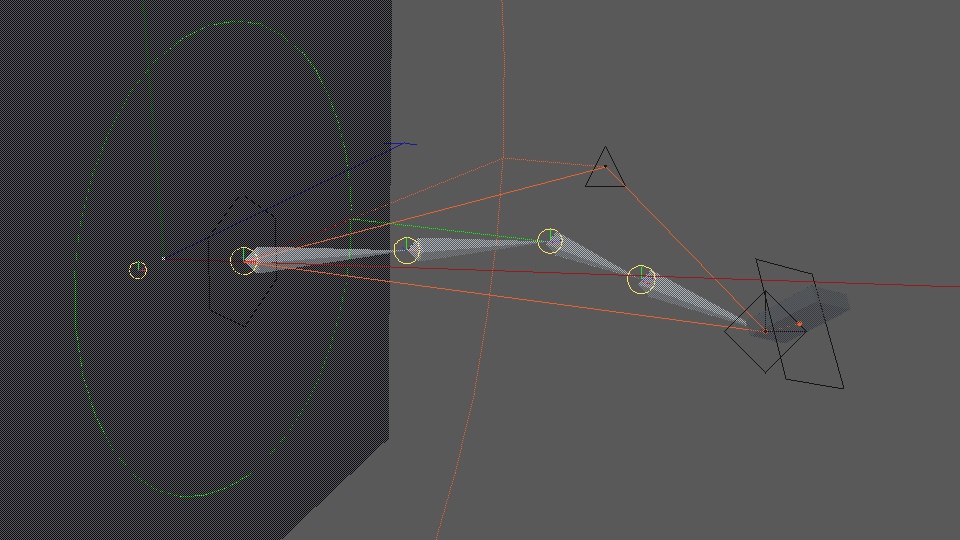
And another comparison with a more extreme IK chain pose:

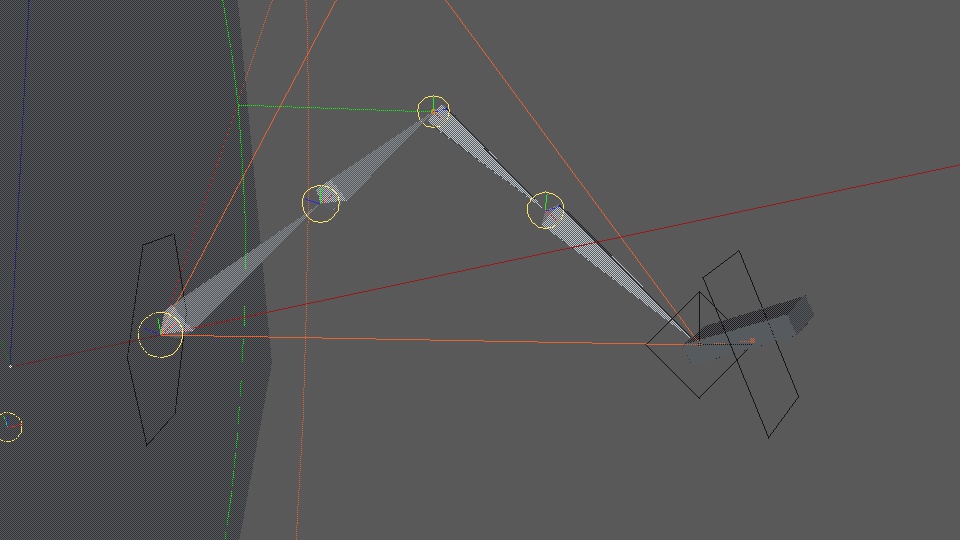
What the comparisons above show, is that the 'hand' rotation state can be controlled between whatever is local, to the way the goal is rotated. I can even blend between the two states, making it quite flexible.
Another thing that's critical to note here, is that the 'elbow' joint is also adapted when the hand is rotated differently. This shows that my offset is also working wonders. It's a really powerful little setup, because now I can put controllers (e.g., for hands or feet) onto the surface of the character instead of inside the object at the joint. Which means when I'm animating or editing, I can put the controllers straight down onto the polygon surface, instead of having to adjust them to sit up above it.
This IK solver should help with fixing feet contacts (e.g., on the ground) and hand contacts with other objects (e.g., a table top, or a glass of CG water!).
The other thing I haven't mentioned yet, is that my IK chains don't need to be in a straight line either. I've really expanded on some of the way the engine calculates things, and I can now bend any object setup with an IK chain that's in any starting state. Means I don't have to have a straight line of joints to make an arm IK system.
These fixes have really made a powerful little IK system. But it came at the cost of some head-banging expense. Not being a programmer, and someone whose never been shown this stuff before, I really did have a hard time figuring out all the math and which matrix to multiply with another... it was bruising at times. But I survived!!!
Here's how badly I had the calculations at times:

Even the helper objects that show some of the controllers were wrong. Circles at odd angles, lines not in the right places, the chain rotated to point somewhere else... Not bad eh!
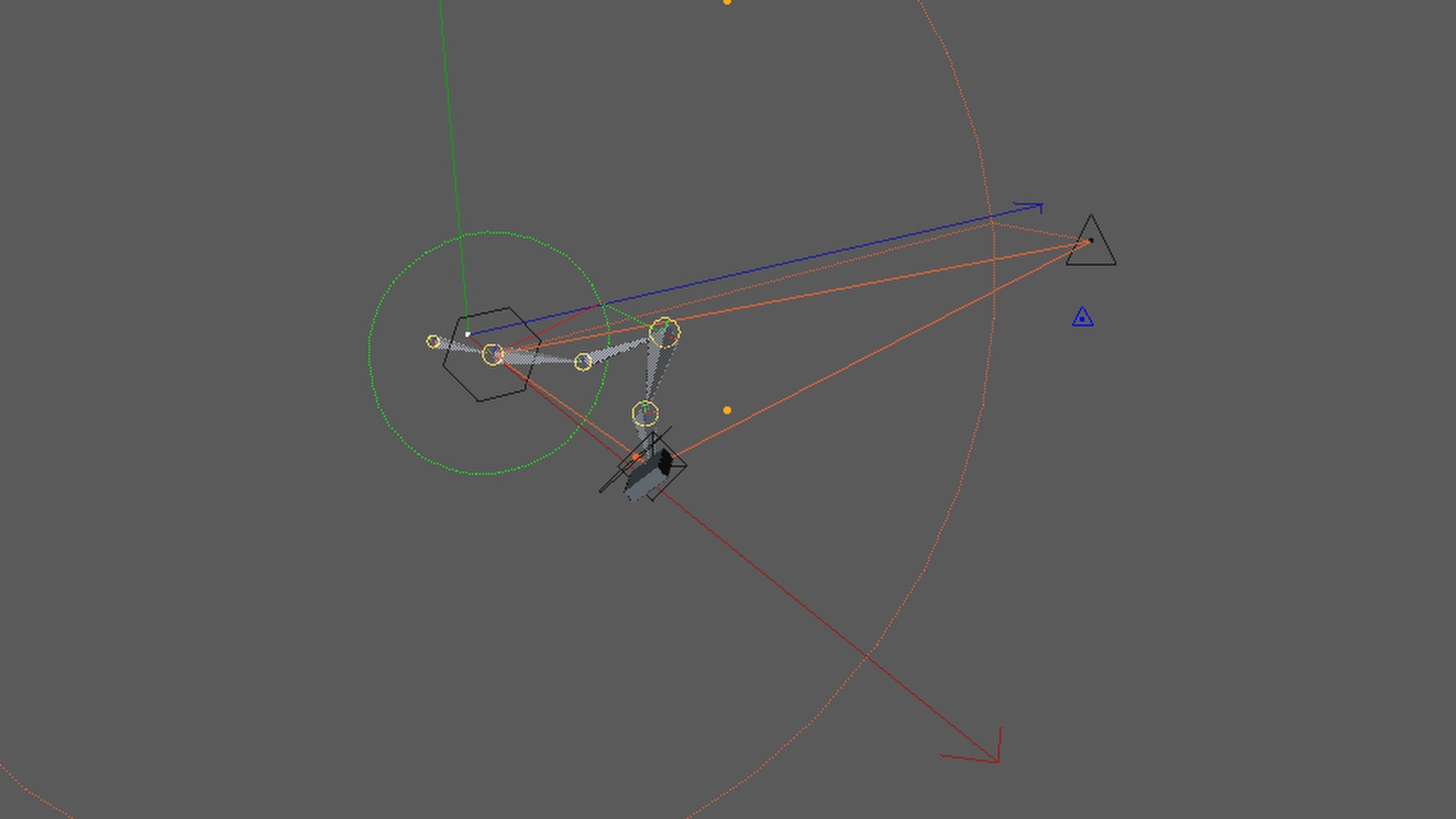
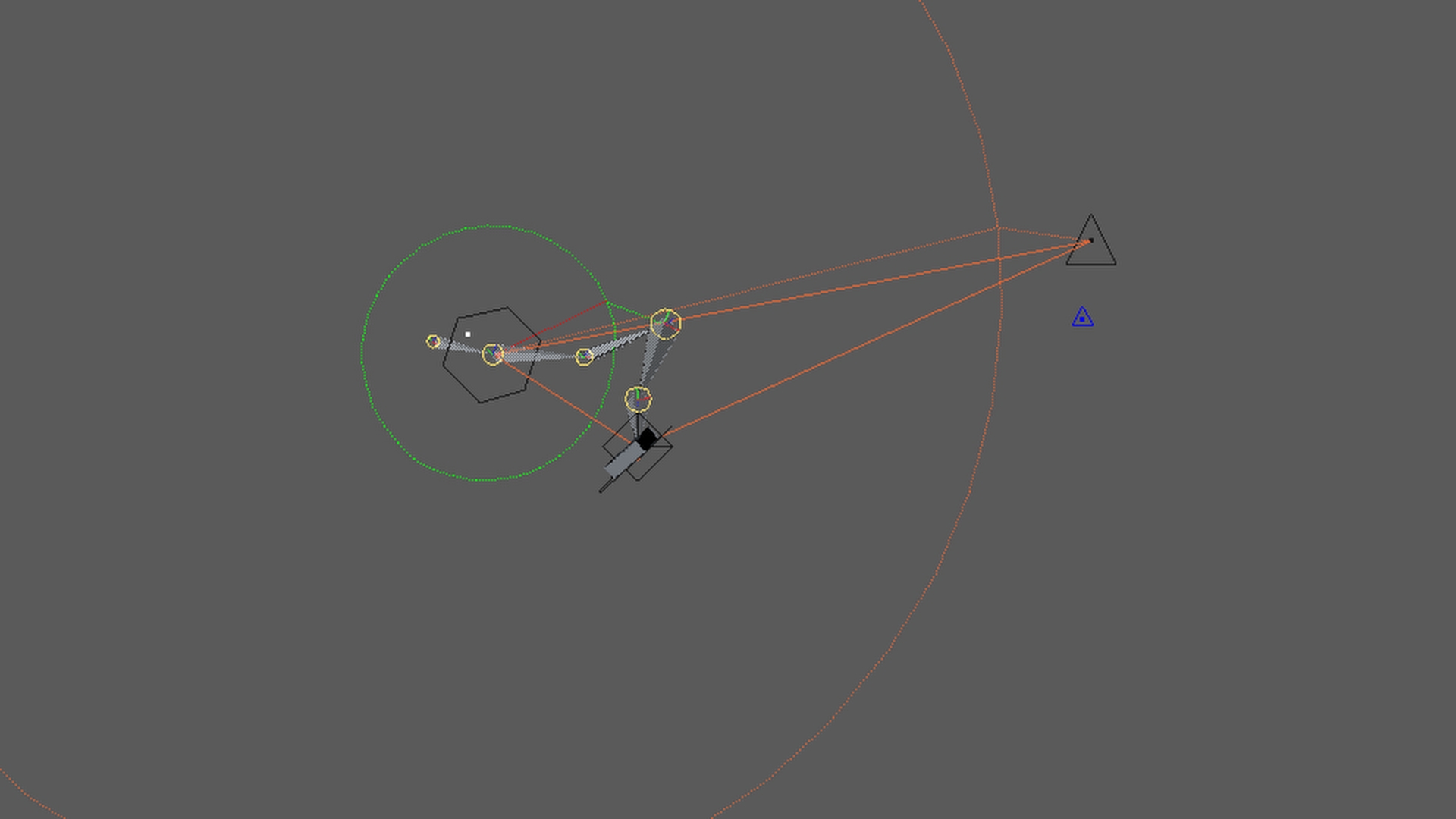
But eventually, I nailed it. Funnily enough when I went to render out an example, I noticed another issue. I could see that the IK chain was always a frame behind where it should have been. The image comparison below shows an example of this. Thankfully this was easy to fix, as it was just an order of execution in the Experimental Object itself. Turns out I was calculating the IK before the execution had been done on the controller keyframes, so the IK was effectively being done on the previous state of the controllers.
The IK system I've made really does become something that can really transform the ProxyMan tool now. It becomes a powerful little motion and animation editor. And it comes with some additional controls without having to have more objects in the scene. It just helps to cut down on some of the clutter, and hopefully let me get on with the job with much more ease of use and control. And flexibility.
The IK system has been quite a tricky one to solve. Plenty of head-in-the-hand times with this one. And I still have to move the engine into the ProxyMan tool. So still a step or two to complete, but we're just about there with this one.
To finish, here's a video showing the IK chain being animated in the experimental object: