
I've had some difficulties getting the set builder tool to work the way I intended it to. The really tricky thing was getting the matching point pairs to become a triangulated polygon mesh. The algorithms out there I don't really understand, and many of the libraries that 'do it for you' require all sorts of dependencies (other libraries) in order to work.
So, I ended up making a somewhat of a partial final engine. The polygon meshing works in a 2D sense, not in a global 3D sense. It's a bit difficult to explain what the difference is here, other than to say it was a lot simpler to get this working using a 2D polygon mesh solver.
I would dearly like a proper 3D solution, but for now, I'll have to make do with the 3D-based solver, as I have a motion capture system sitting there waiting to be used.
Here's a sequence of frames from the ActionVFX footage I've previously tracked. For this experiment, I selected five frames and painted five masks for each frame over the rocky bank in the background. The frames and their masks are shown below:
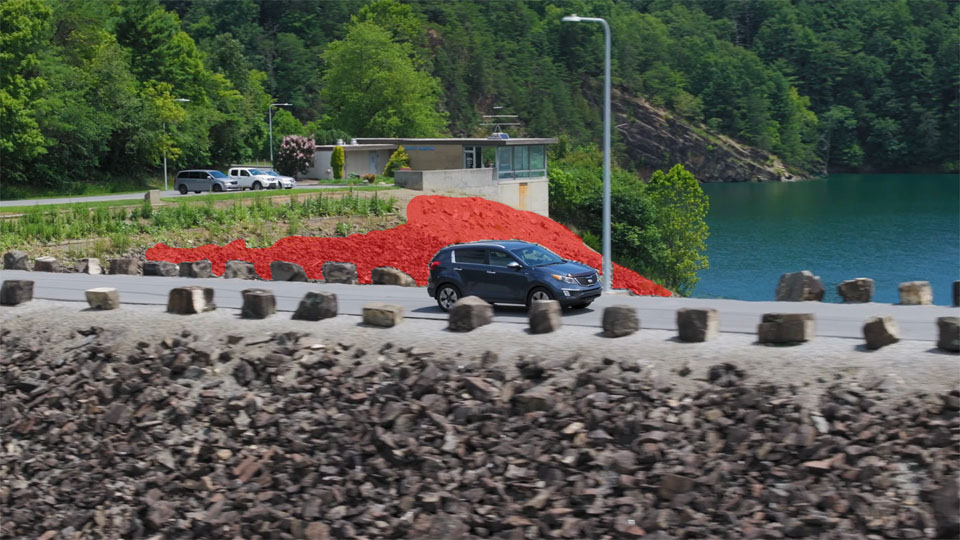
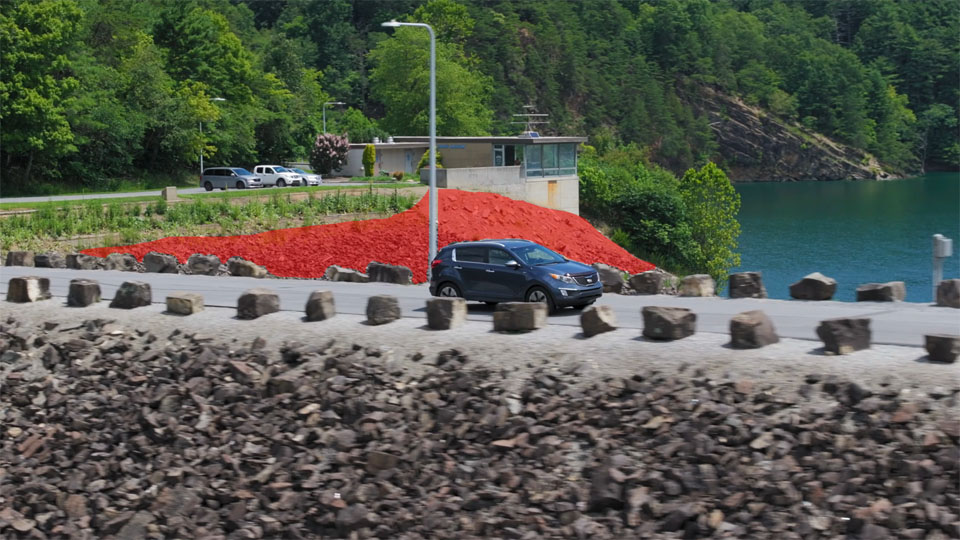
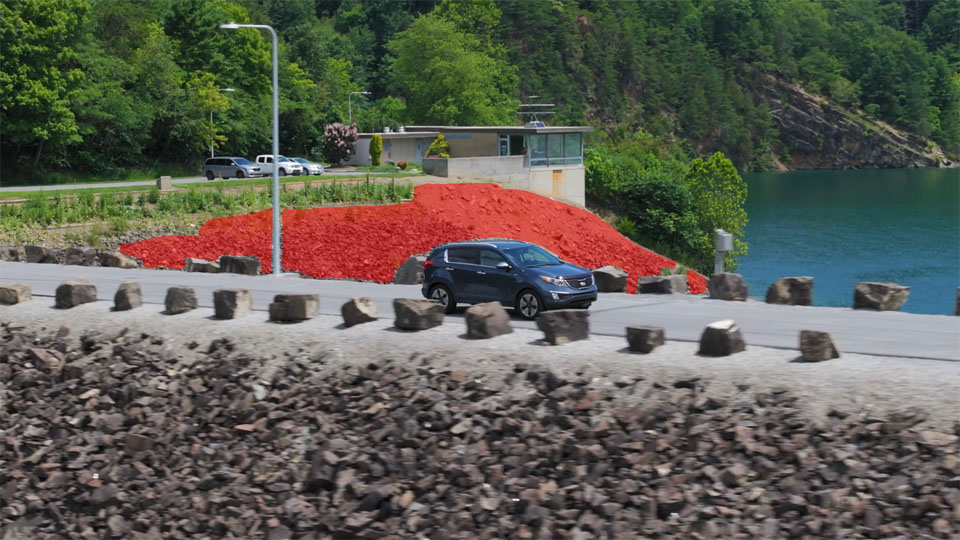
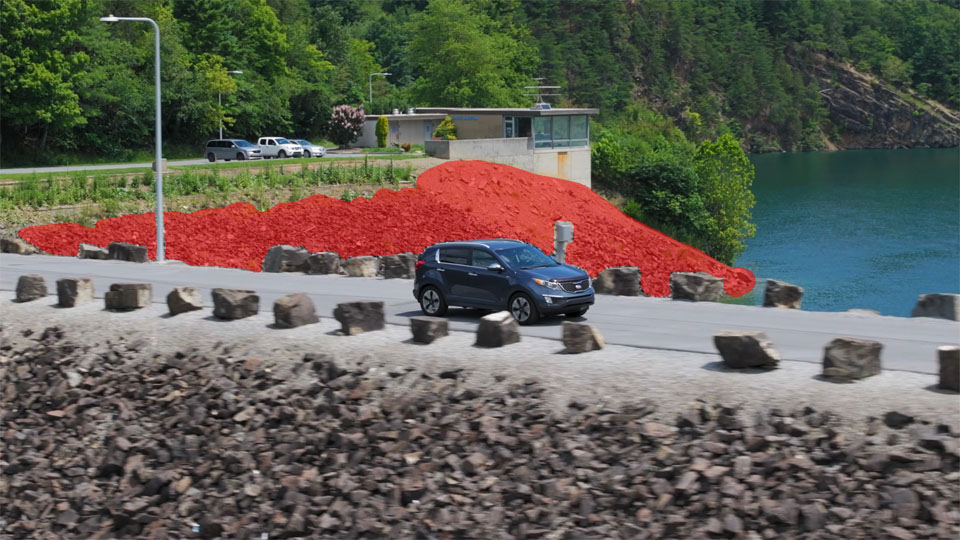
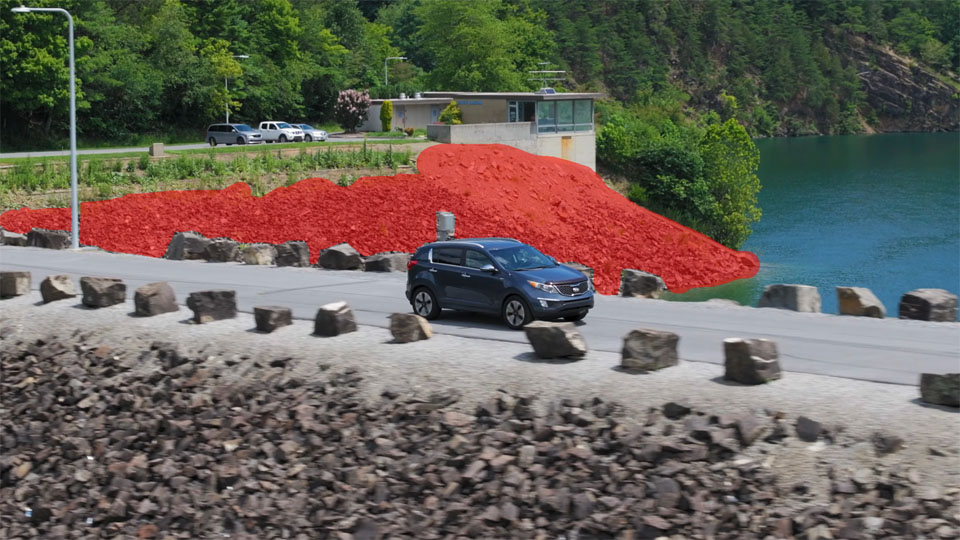
And here's the polygon mesh result, using the above frames and masks to build the rocky bank in the background:
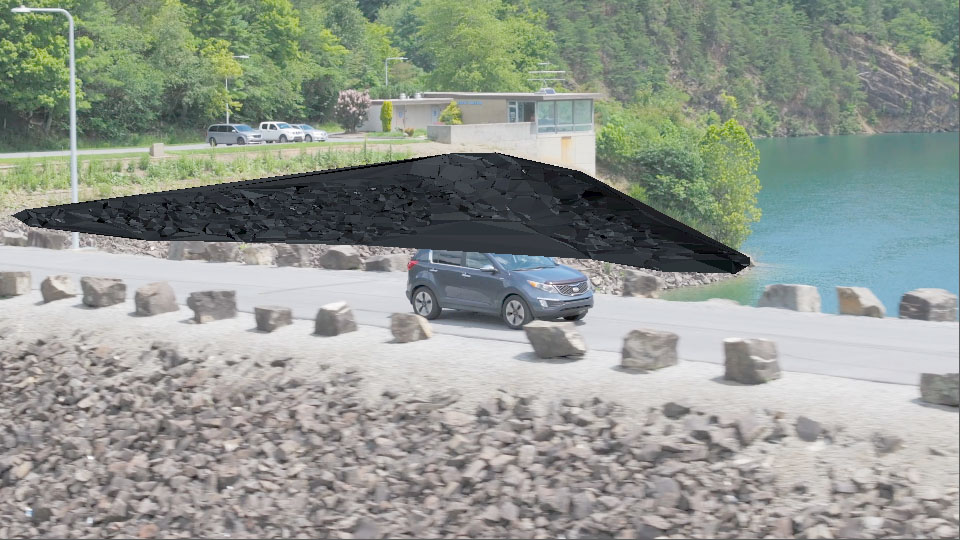
I think this is a pretty good result. With a few more frames and a bit more in the masked areas I could probably add in a little more detail, especially where the car intersects the background bank. But it's a good start! The polygon mesh is made of 5866 points, and 9984 polygons. Neat!
Update: I did end up adding a couple more frames to the solver. The video below shows the updated result.
Here's what it looks like when shown on top of the original footage:
By the way, some of you might wonder why I didn't use the bank in the foreground to test on. I chose the one behind the car because I thought it was a bit more difficult to solve, and has obstacles that float in front of it. I figured it would be a good test of the engine and the logic on how I use it to overcome something a little more tricky.
I'm not completely satisfied with the 2D solver. But, I think this will be enough to get me by. I'm really trying to make this tool work enough so that I can use it to build basic geometry like a rocky bank in the images above, so I can catch shadows or do some other effect in 3D or in composite. One of the main drivers for me here was to be able to make basic ground geo so that I could shadow catch 3D characters walking on. That kind of thing.
For anyone interested at looking to do a similar thing, this is sometimes referred to as surface reconstruction, and uses a number of algorithms depending on the solver needs. I'm using a basic 2D Delaunay-type solver here. That's about all I could muster at this stage. More advanced algorithms (and a better programmer than me!) could produce a better 3D-based result. But for my needs, I'm hoping this will get me by.
Another tool added to the box.
Additional images
And for anyone interested, here are the images of the matched pairs between all the frames that were processed. There were five frames, and I processed all of them against each other. For five frames, this makes 10 possible steps in the sequence. The sequence would look like this in frames: 1-2,1-3,1-4,1-5,2-3,2-4,2-5,3-4,3-5,4-5. As you may be able to tell, I'm trying to obtain coordinate matches across as many of the selected frames and matched results as I can.
They're a bit hard to see with all the green lines drawn on them I know, but they are what they are!









