
I'm posting this one a little postumously. I made the workings of this tool last year but never completed posting about it. Mostly because I found more important tools to work on. But alas, here we are, sometime later, posting about it. I'm mainly doing this here as another tool I made recently may run off the back of this one, or use code similar to what this one was made with. So keep in mind, this is being released some ten months after I initially made it!
Continuing my form from finishing my course, I've made another little tool. One of the things I found with making set geometry was that I currently have to do it all manually. That is, create an empty polygon object, and then one by one add the polygons by using the track marker locations to snap to. This is OK for small jobs and basic geometry meshes, but on track datasets with a lot more tracking markers, I thought this might become a little cumbersome. So, to tackle this, I thought I'd try my hand at making a simple triangulate tool. That is, something that would take a bunch of markers, and create a polygon mesh out of them.
There's a well-known algorithm (well-known to computer scientists anyway) that is able to do just this. The Delaunay Triangulation method is it's common name. There are other names, and algorithms, but this was the one I've chosen to use.
The point of this tool is to triangulate a set of points, in my case, in a 3D world. This is handy because I can construct basic polygon meshes and set geo out of a handful of points.
Let's have a look at some screen shots. I did a camera track some recently and I made a tool to place red cones on the tracking markers. In the image below, you can see a raft of red cones. Also in the image, is a row of green cones. The green cones are markers that have been projected using another tool of mine.

OK, so we have a camera track, and we have a set of projected markers. Let's add in another row of projected markers:
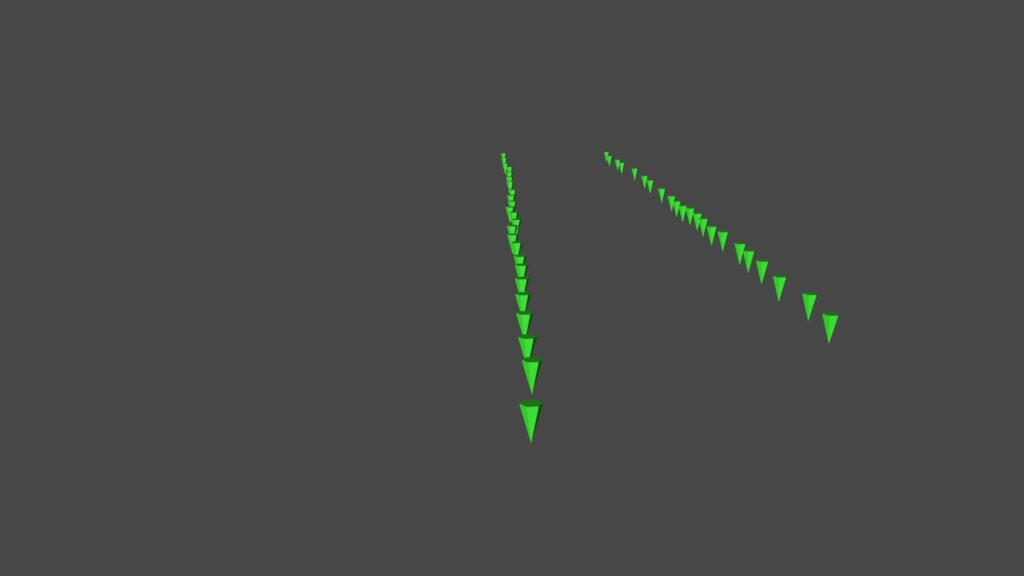
Now we have two sets of green cone markers. Each of them are actually running down the side of a road. Here's what it looks like with the tracked frame in the background:
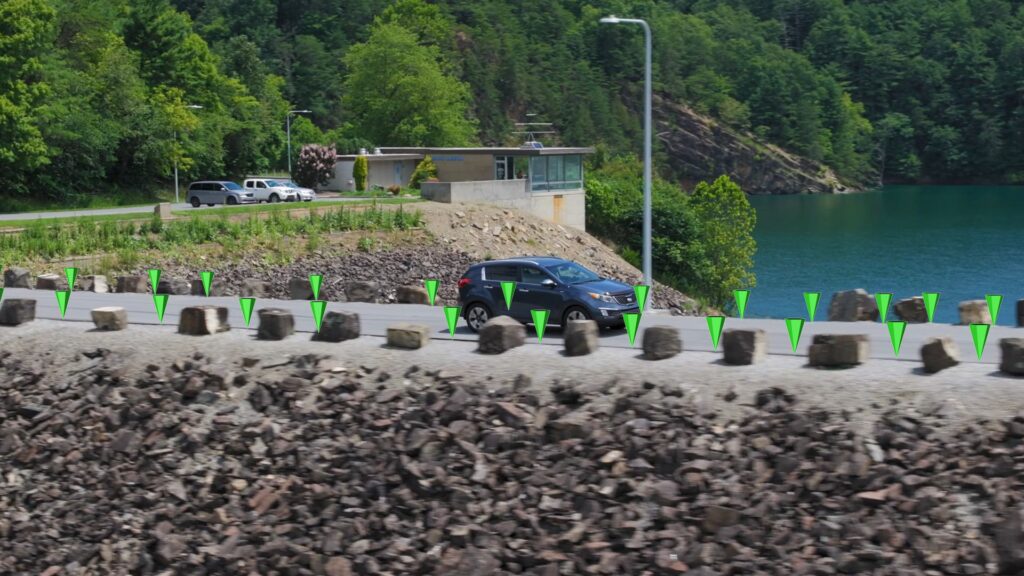
Neat. So we have two rows of projected markers. We should be able to use our new tool on these to make a basic polygon road mesh. Let's see how that looks:
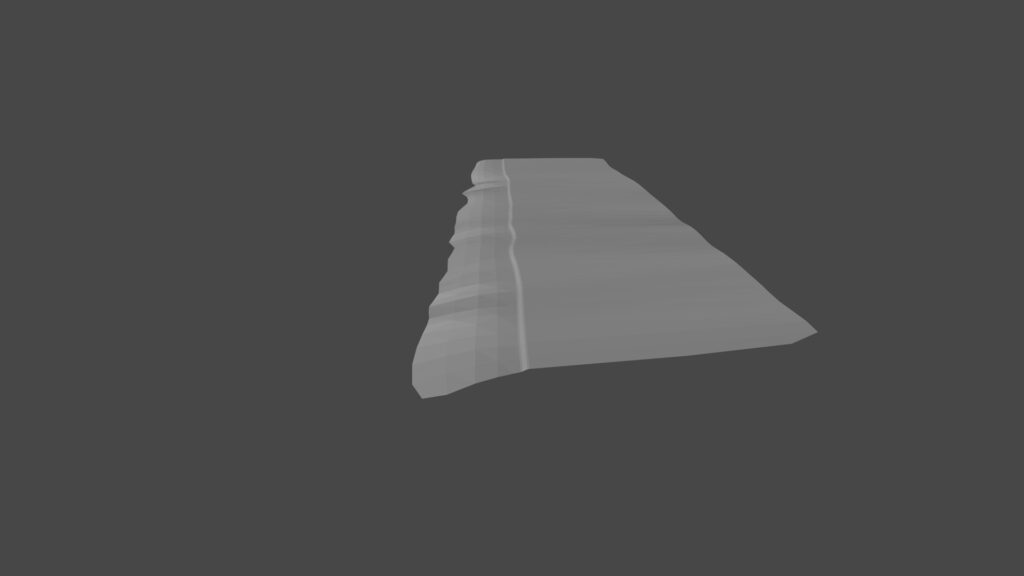
Now we're cookin'. This is really handy, because we can use this mesh to do things with, like shadow catch, or even draw the road surface texture onto. Here's a composite of the road geo painted over the top of the original car footage:
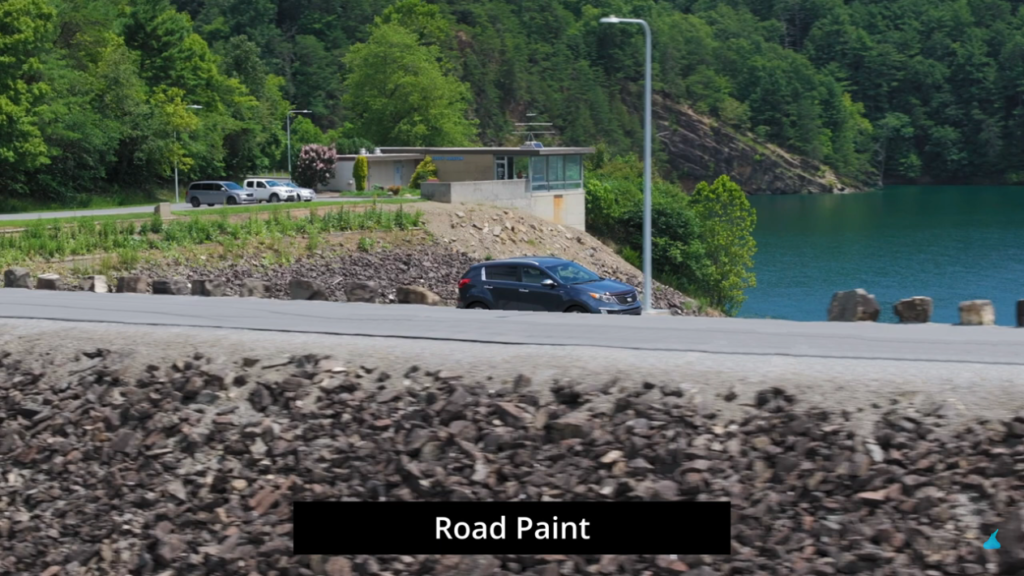
Ah, that's pretty cool. So, we can build our own geo by projecting some points and then triangulating them. This is really useful for tasks like camera tracking a car on a road, because we can build our own road in 3D that's similar to the video, animate something on it, and composite it all back together to create some sort of VFX shot. And, I've done just that. Here's a video with a composite breakdown showing the results.
You can see the animated ball is leaving a shadow on the road surface, which we caught with our triangulated road geo. That's pretty cool really, means I can make basic set geo for camera tracked shots to work with. I was also able to calculate the angle of the sun. It's not shown in any of the images above or the video, but there's a road light that the car passes under. I was able to triangulate the light and the shadow it cast onto the road surface, which means I could figure out which direction the sun was coming from. How neat is that!
Of course, the tool produces meshes that are only as good as the points you feed it. In instances like the road mesh, it's pretty barebones. But it's enough to do the things we want; like catch the shadow of the ball on the road surface. This is handy on a few fronts, because I can use the meshes to paint on, create masks, use them to catch shadows of objects... and do things like I did in the video above. There's probably a few more things I could use it for, that I can't think of right now as well.
The possibilities! Cool...
Another tool to the box.