
I've been developing a tool that communicates with my new motion capture system software. It's been pretty good so far, albeit with some issues trying to sort out the rotations. While having a tricky time trying to work them out, I found myself constantly repeating a step that could have been 'scripted' in some way.
The step mainly involved putting a camera underneath a null object and resetting it's position and rotation values to zero (0). This was so that I could apply the tracked data to the null object, then use the camera to look at the view from the tracked object's perspective.
In doing this, I was having to zero out all the camera's translation parameters (position and rotation) quite frequently when setting it up. So, instead of repeating the same thing time and again, I decided to make a simple one button click command that takes care of this for me.
The 'Zeroer' tool as I call it, is a simple button that, when pressed, lets the user zero out all the position and rotation properties of all selected objects in a scene. I also added in a statement check so that if the user had the shift key pressed down, it would zero the properties out for global, or local coordinates depending on the shift key state and whether the selected object has a parent or not.
Half an hour or so later, the button tool was working a treat. This means I can quickly zero out the camera properties against the parent null object, and look at the viewport as though the camera is looking from the tracked object's view.
Done.
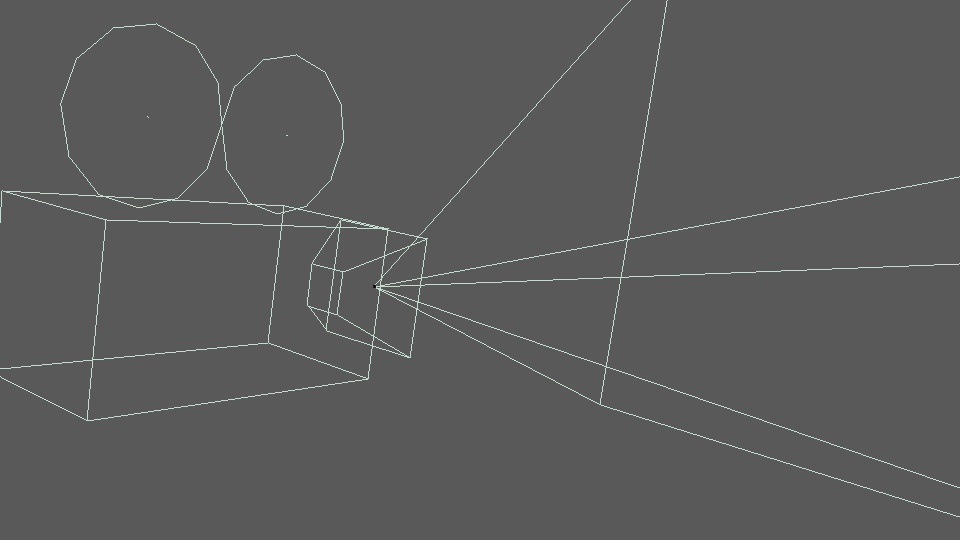
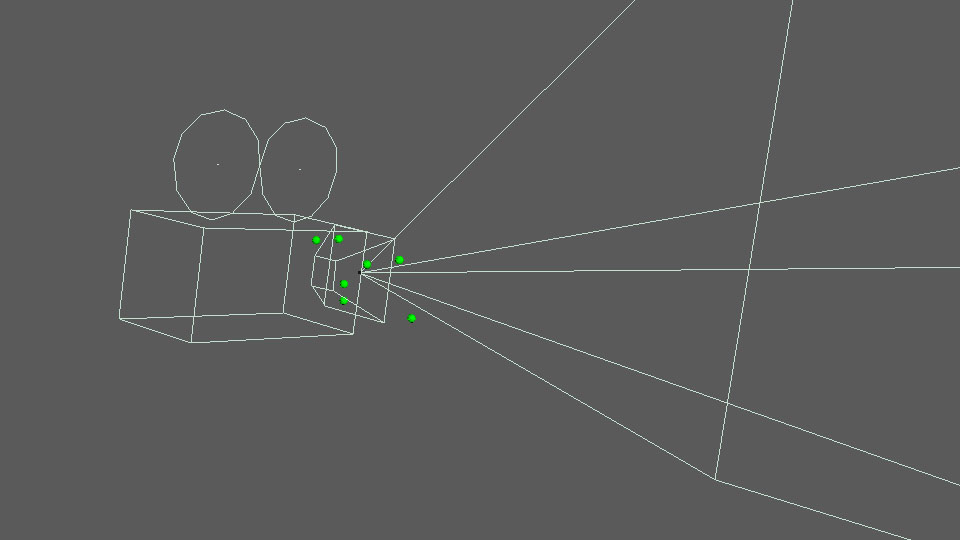
Only a simple tool this one. But useful in a test environment like this. Another tool to the kit. For anyone interested, here's two screen shots showing how I've taken tracked marker data out of the motion capture system and applied it to a null object (with a camera underneath it) in Cinema4D. The image labelled 'No markers' shows the camera as is, while the 'Track markers' image shows green spheres in the positions of the tracked markers used to calculate the rigid body coordinates.
And something amusing (for me at least)... In the background to making this post, I was testing out the tracking tool. I've had a tricky time trying to sort out the rotations. I've been at it for several hours. But while typing the title of this post, I figured out the math! Alas - another problem solved!!
I will post more about this tool soon.